Try Better Bookshelf free — catalog your first 50 books, no sign-up.
Screenshots
See it in action
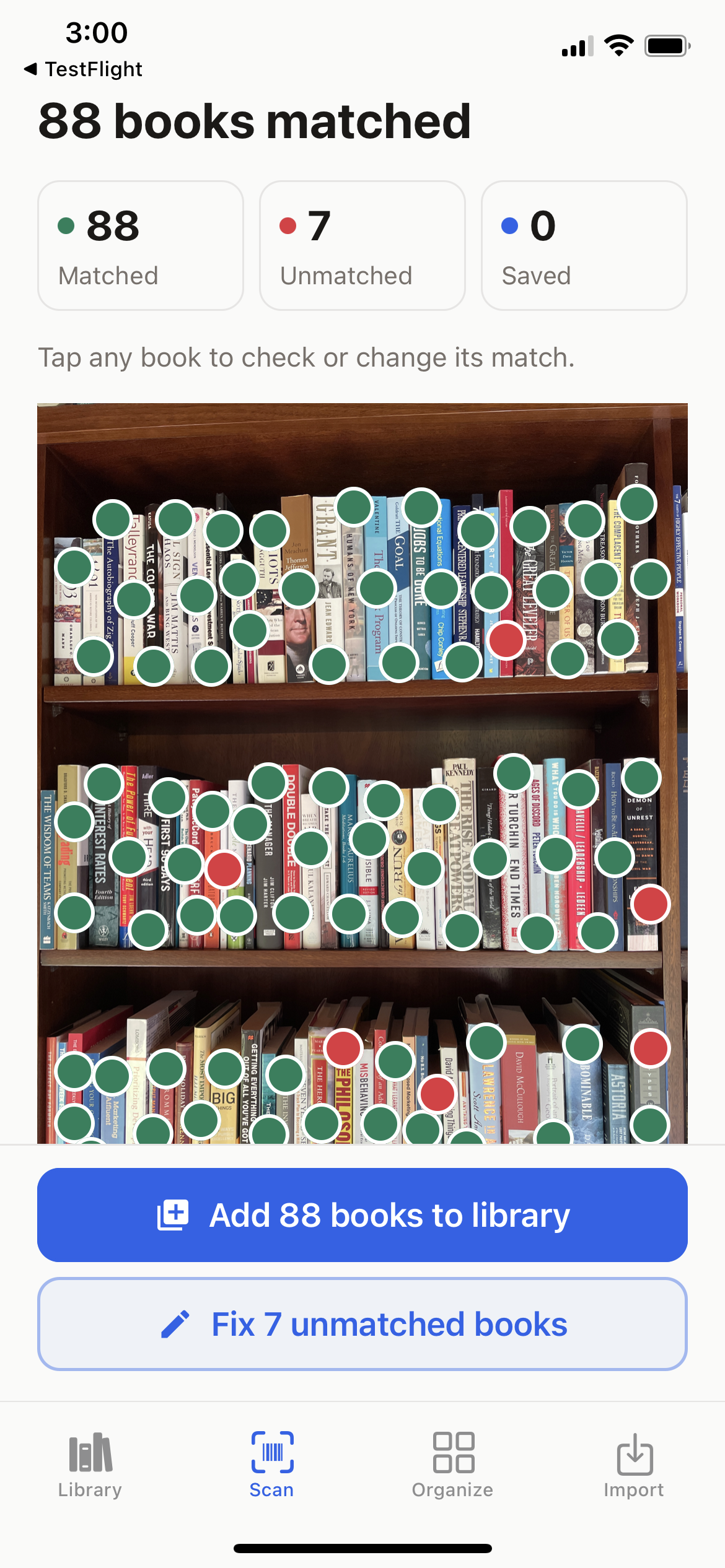
Start with a photo of your shelf. Match your books, build your library, and search to find their places again. See a real scan below.
A real bookshelf. A real scan.
One photo.
88 books matched.
Leave the books on the shelf. Take a clear photo, and Better Bookshelf suggests the titles and marks their positions. Add the matched books together, then tap the red dots to identify the rest.
Scan your shelf
Build your catalog without entering every title.
Search for a book
Find a title or author across your saved shelves.
See where it belongs
Open its marked position in your shelf photo. Update the photo when your books move.
This iPhone test scan returned 88 matches and 7 books needing help. Matches are title suggestions, not a verified accuracy score. Results vary with the books and photo quality. Shelf scanning is an upgrade feature.
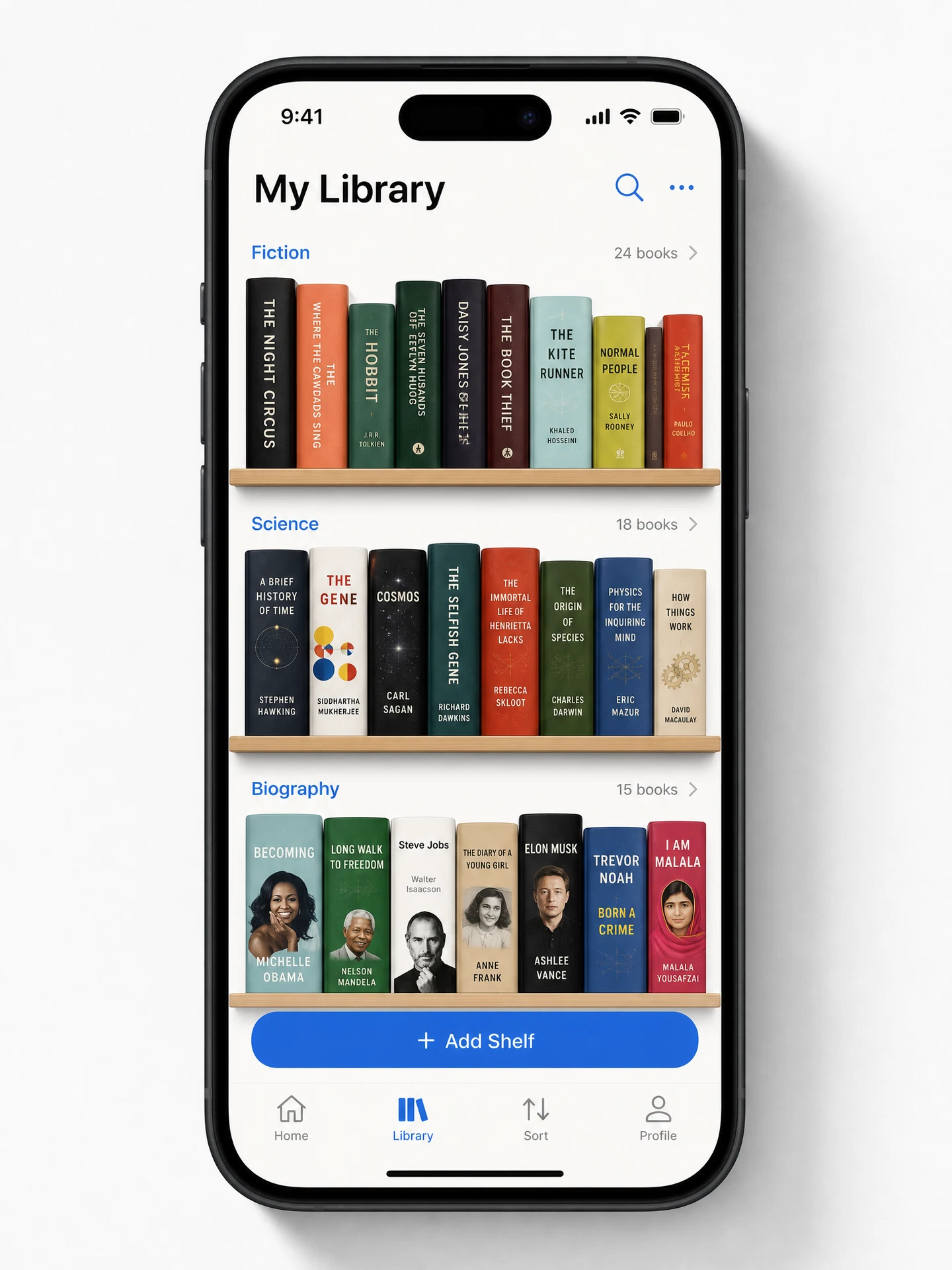
Your Library
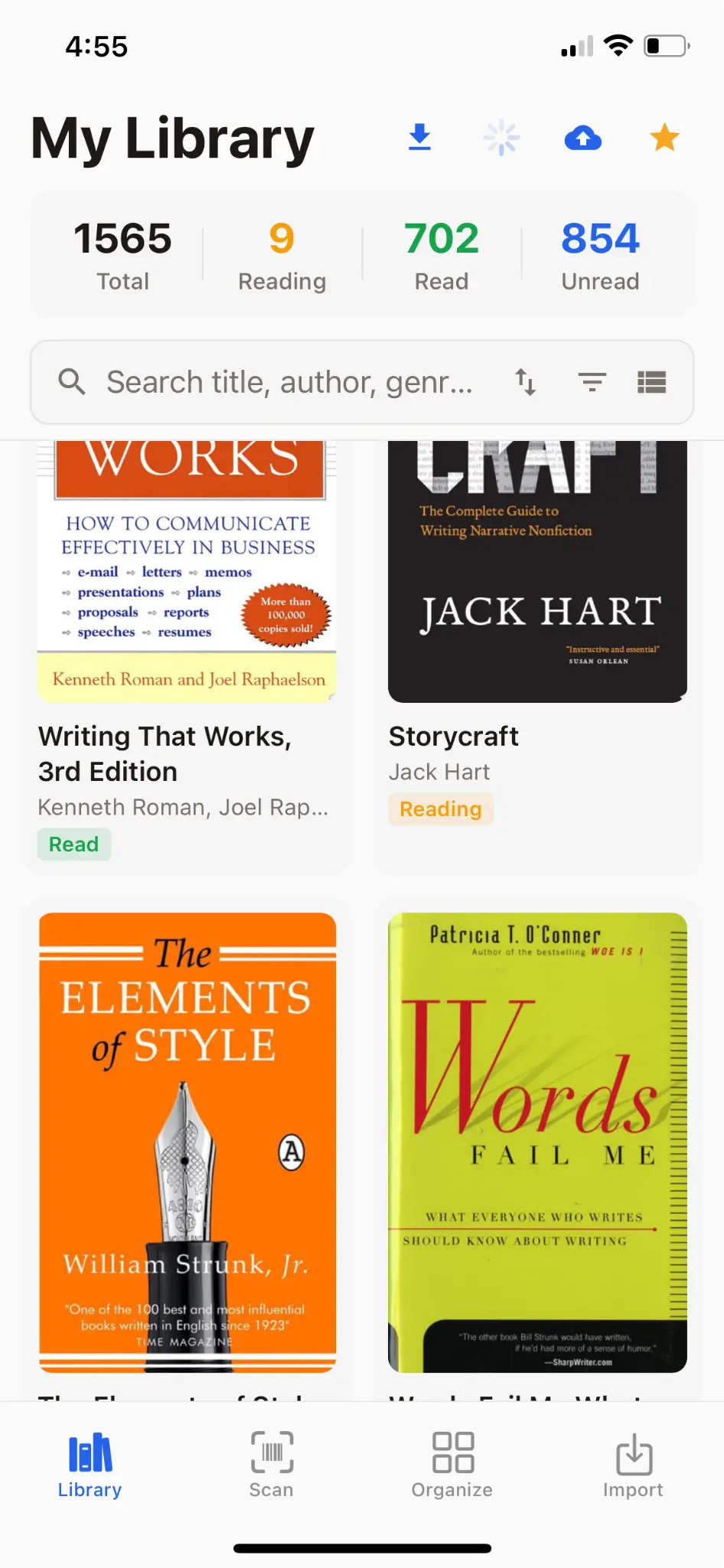
Every book you own, in one place
A beautiful grid view of your entire collection, searchable and sortable.
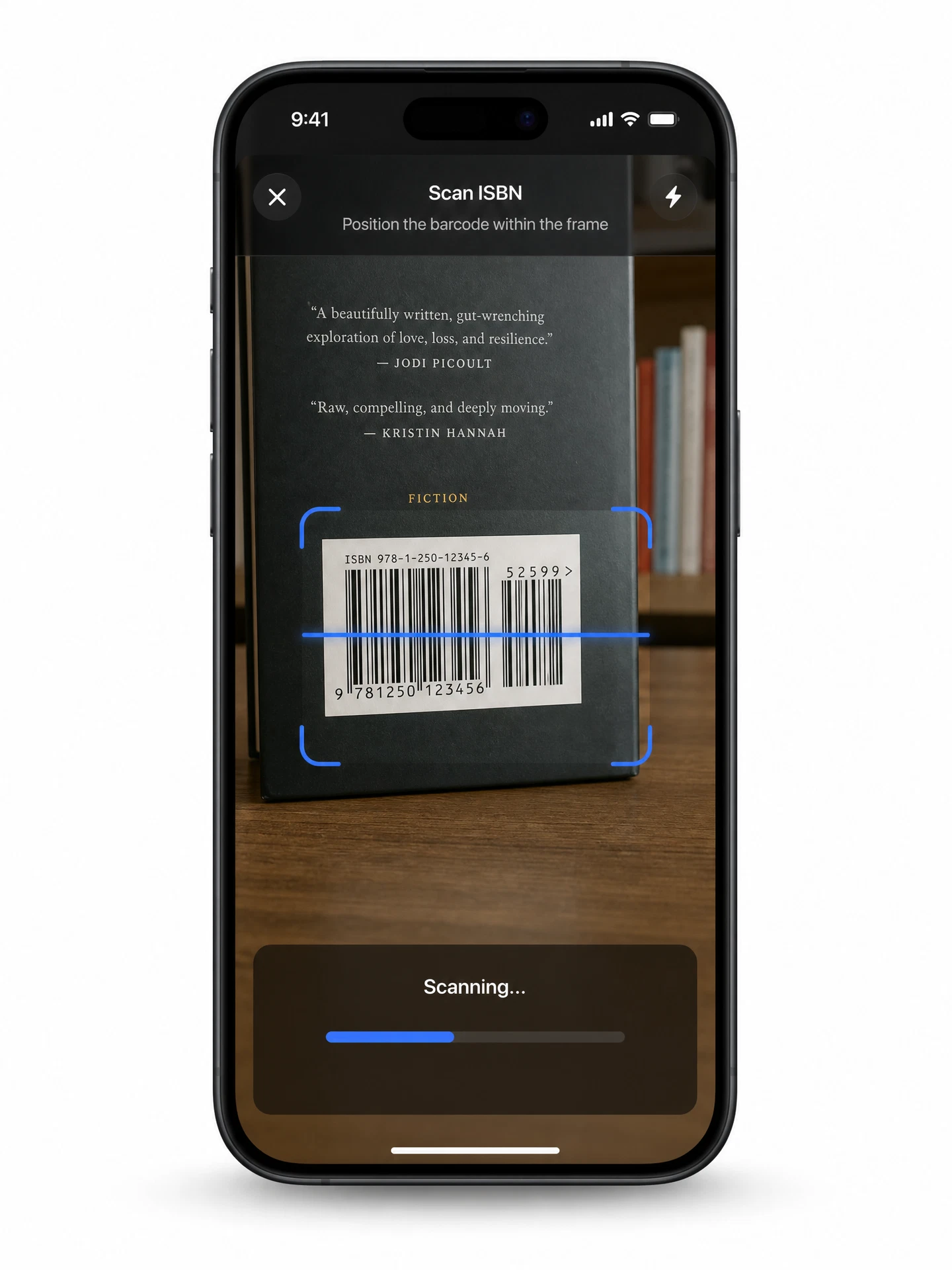
Instant Scanning
Point. Scan. Cataloged.
The barcode scanner turns your camera into a cataloging tool. One scan pulls in full metadata.
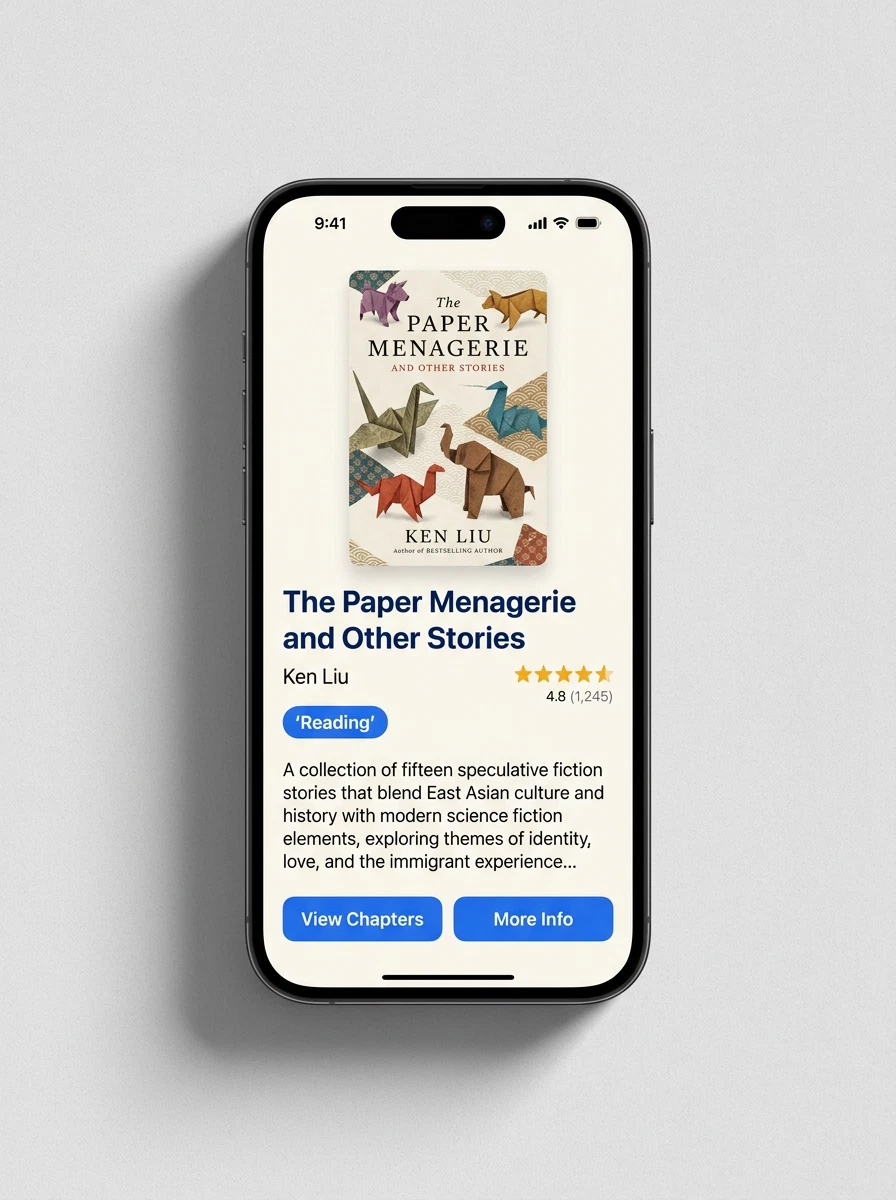
Book Details
Everything about every book
Cover art, synopsis, page count, genre, your rating, reading status, and personal notes — all in one view.
Search & Filters
Find any book in seconds
Search titles, authors, genres, tags, even your highlights. Filter by format, reading status, or custom tags to find exactly what you're looking for.
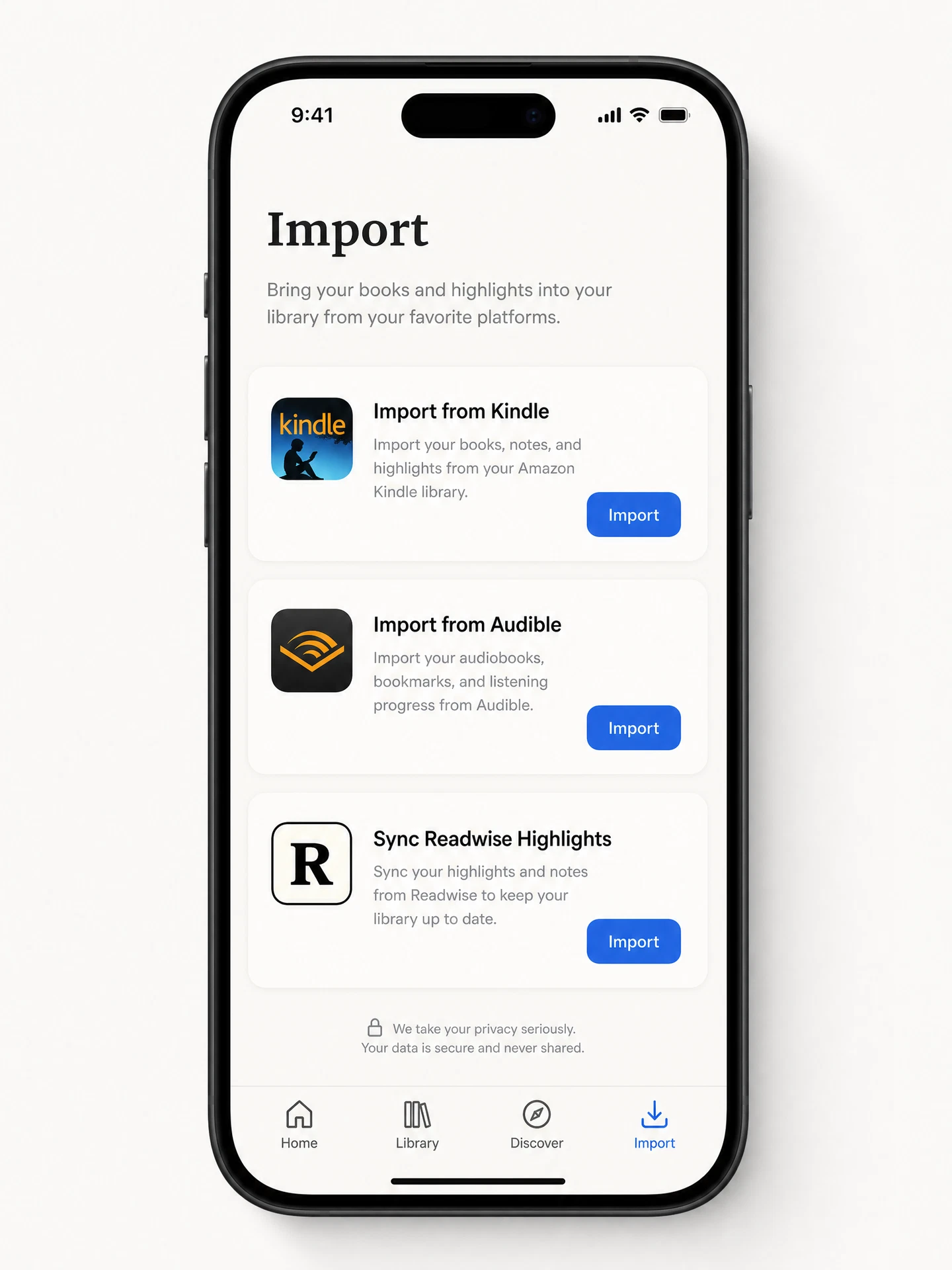
Easy Import
Bring your digital library
Import from Kindle, Audible, or sync Readwise highlights. Your digital books join your physical ones.
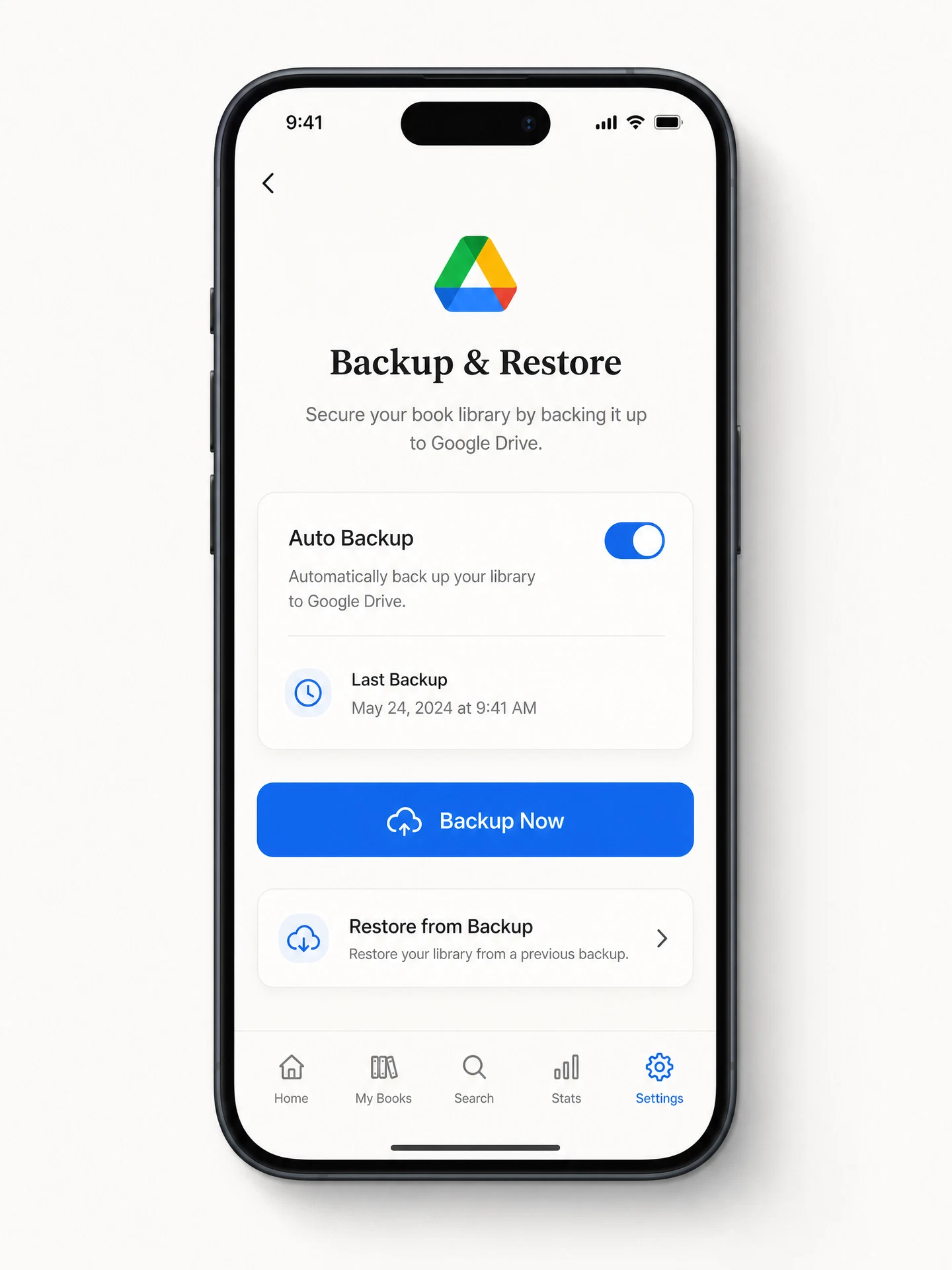
Safe Backup
Your library, in your cloud
Automatic Google Drive backups mean you'll never lose your collection. One tap to restore.
The shelf scan above is a real iPhone test result. The other screenshots show the interface with sample data; your library will display your own covers, tags, and reading status. Some images predate version 1.8.0 and may differ slightly from the current app.
Like what you see?
Explore the full feature list or see how Better Bookshelf compares to other apps on the market.